Aloha Browser for Android: A calmer look, new widgets, and less search noise
Your browser should feel effortless. We’ve redesigned Aloha for Android with the new Obsidian theme, full-screen wallpapers, handy home screen widgets, and simplified search - all based on your feedback. Update now and tell us what you think.

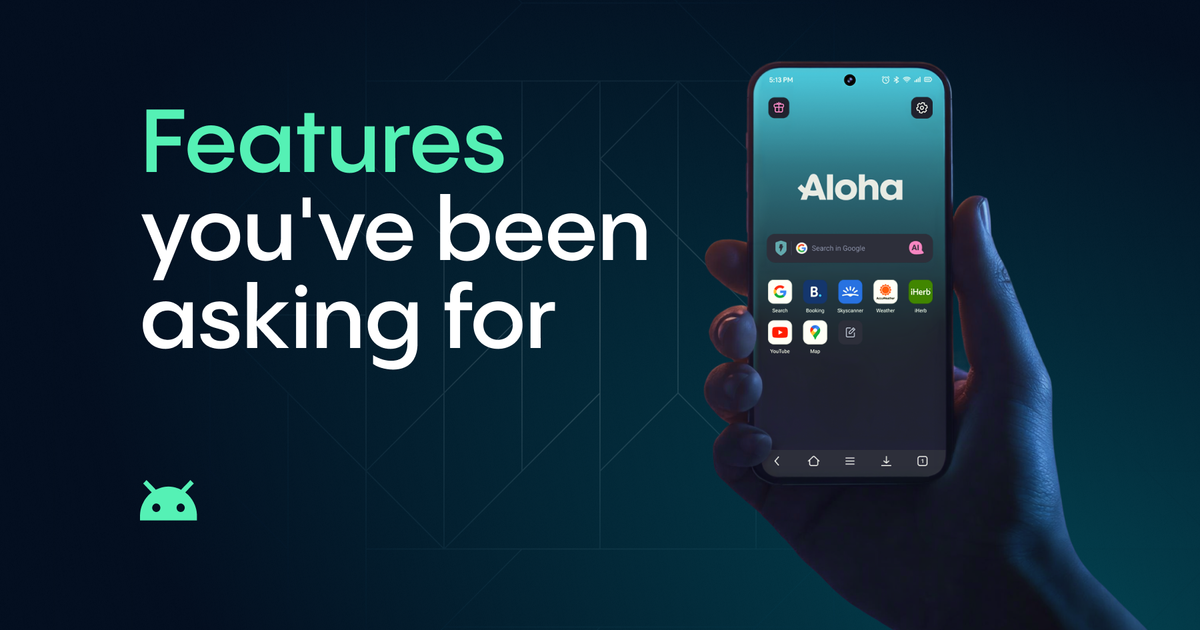
Your browser should feel effortless - like it’s just there when you need it, without getting in the way.
For this update, we’ve made your Aloha quieter, cleaner, and more in tune with how you actually use it on Android. We listened to your feedback, stripped away the noise, and focused on calm, distraction-free browsing. Have you updated your phone lately? It’s the perfect time to refresh your Aloha Browser.
Here's what's new and why we think you'll like it.
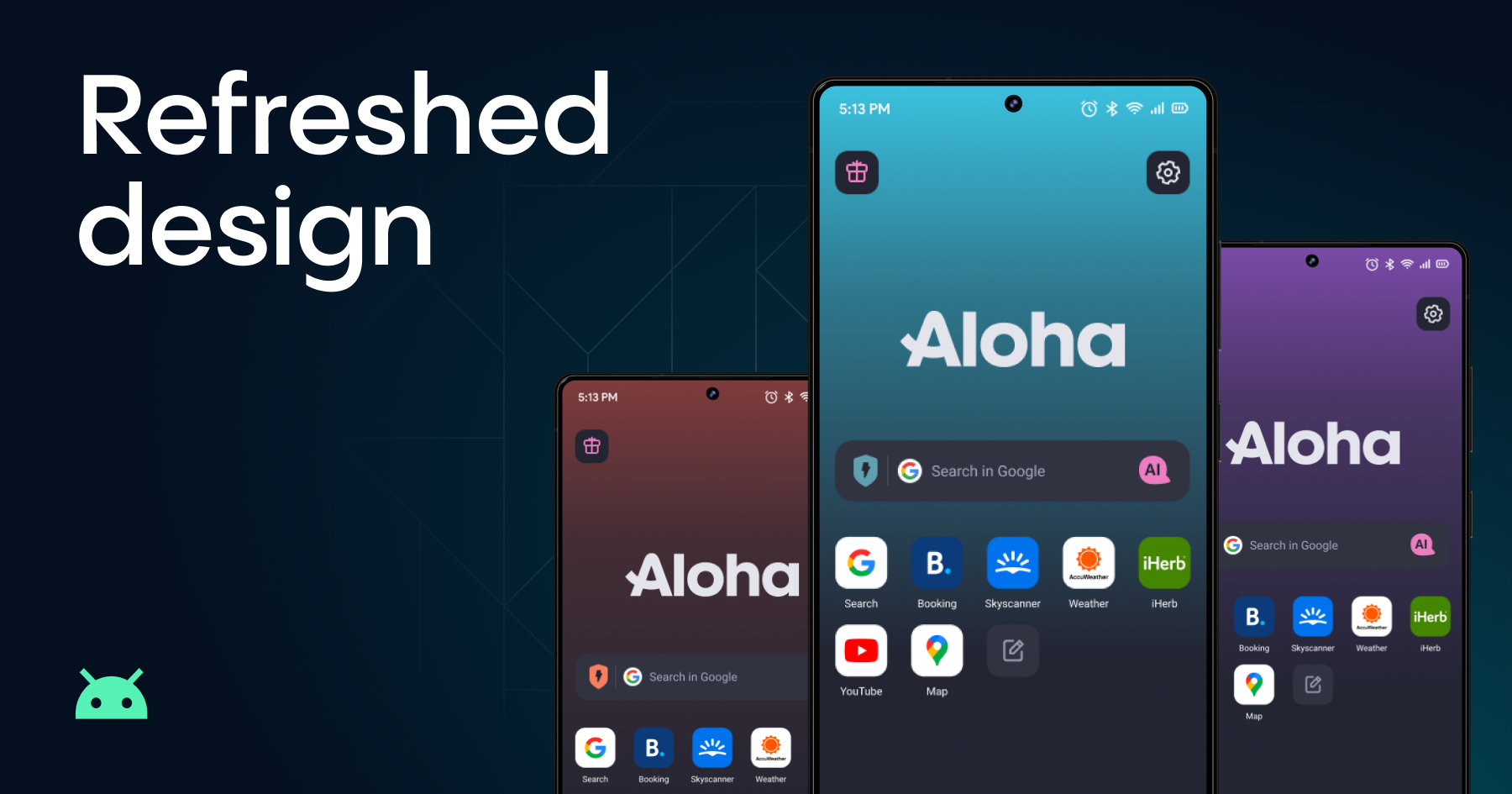
A Design That Breathes
The first thing you'll notice is your start screen. It finally feels like yours. We've designed new calm wallpapers to match your color preference. And if you want to make it truly personal, you can now set your own image as a full-screen wallpaper – a feature you've all been asking for!
We've also refreshed the app icons with a new look that sits better on your home screen and matches the calmer direction of the whole update.
Meet Obsidian. If you're someone who prefers muted, understated tones over bright colors, this one is for you. Obsidian is a deep, calm theme that makes text easier on the eyes and your screen feels like it goes on forever. It's not just another dark mode - it's a new mood.
You can find all of this in Settings → Appearance → Color theme. Take a minute and play around: new app icons are waiting for you there, too.
Widgets That Actually Save You Time
This one came straight from real-life usage. How many times a day do you unlock your phone, find the browser, and then tap "search"? Too many.
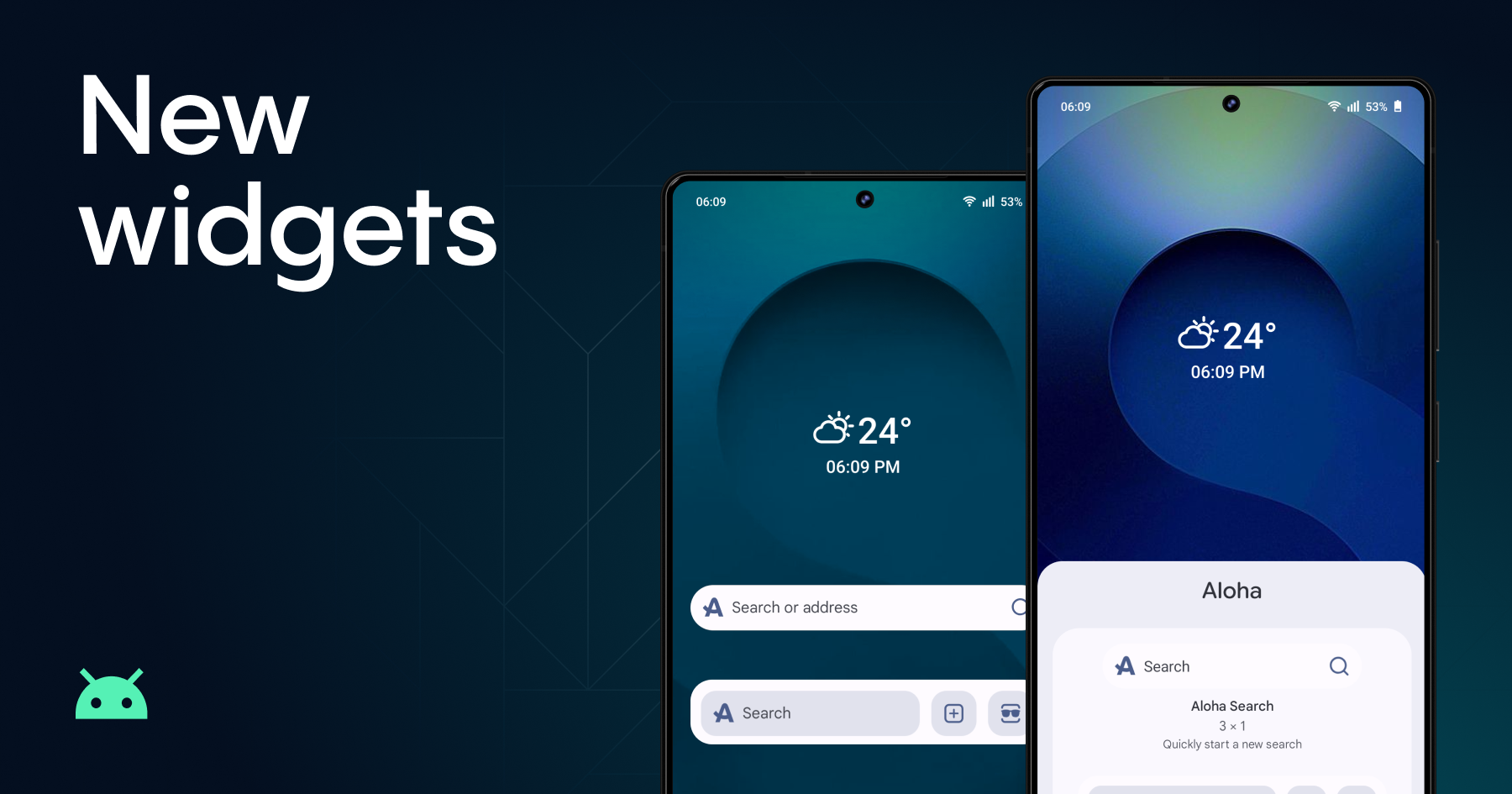
Now you can skip most of that. Long-press the Aloha Browser icon on your home screen, and you'll see a widgets menu with two options:
- Quick Search: opens Aloha and drops you right into the search bar.
- Search + Tabs: gives you a shortcut to start a search, open a new tab, or jump straight into a private tab.
It's a small thing, but once you try it, going back feels slow.
Plus, the new widgets automatically adapt to your device's theme!
A Cleaner Search
We made one additional change in response to many of your requests. To make searching feel cleaner and less distracting, we decided to remove trending search suggestions.
Sometimes a simpler search screen is better. It helps you focus on what you want to look for, without extra noise.
Go ahead, update
Head to Google Play and grab the latest version. Walk through the new look. Try Obsidian. Set a wallpaper. Add a widget. See how it feels.
We'd love to hear what you think. Drop your thoughts into the comments or share them with the community at our community page. If anything feels off or you run into a bug, our support team is always here at support@alohabrowser.com.
See you inside the browser.