Aloha Browser for iOS: A Calmer Design & New Video Tools
Your browser should feel like a natural extension of your hand. For iOS 26, we’ve evolved Aloha Browser to be quieter and more fluid. Discover Aloha Liquid: a simpler design, the deep Obsidian theme, and our new video trimmer. We’ve removed the noise so you can focus on what matters.

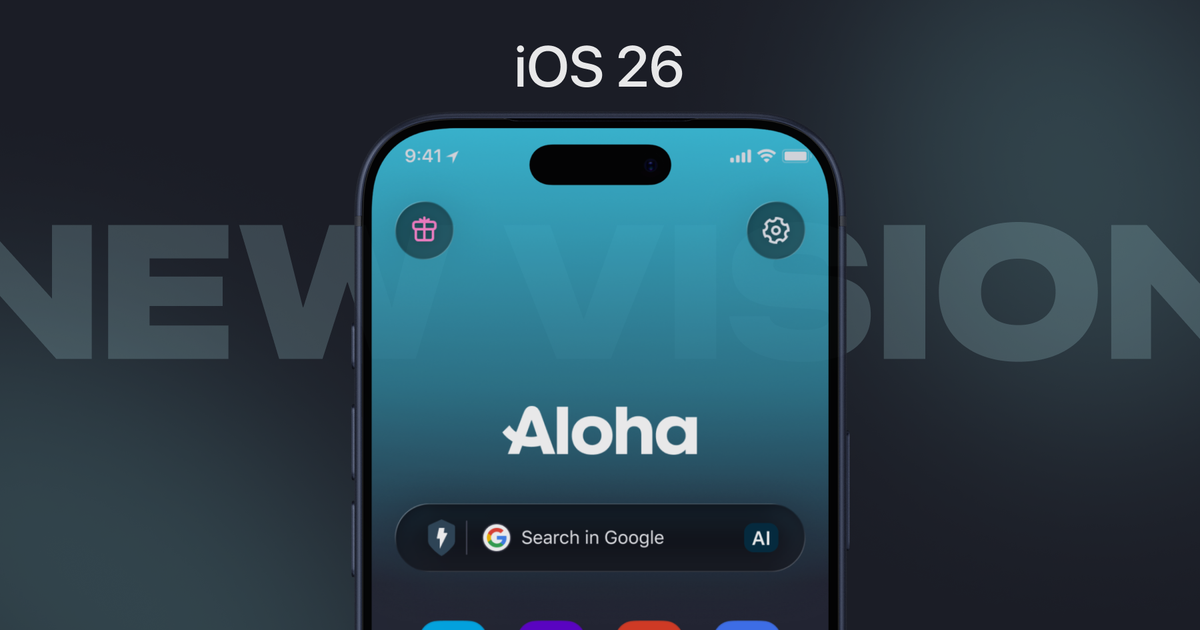
Have you already updated your iPhone to iOS 26? It is time to update your lovely multimedia incognito Aloha Browser.
When the world around us gets noisier, we believe your browser should do the opposite. We’ve spent the last few months looking closely at how you use Aloha on iOS, listening to your notes, and watching how the new iOS 26 "Liquid Glass" aesthetic changes the way your phone feels in your hand.
We realized it was time for Aloha Browser to evolve: not just to change, but to settle into something more natural.
Making Aloha "Liquid"
The goal for this update wasn't to add more "stuff." In fact, it was the opposite. We wanted to strip away the friction. We’ve introduced Aloha Liquid, a design philosophy that focuses on what we call "calm browsing."
You’ll notice that switching between your tabs and navigating the menus feels different now. It’s smoother, more organic, and hopefully a lot less distracting. We’ve tucked away the elements that used to feel like "noise" to give your content the space it deserves.
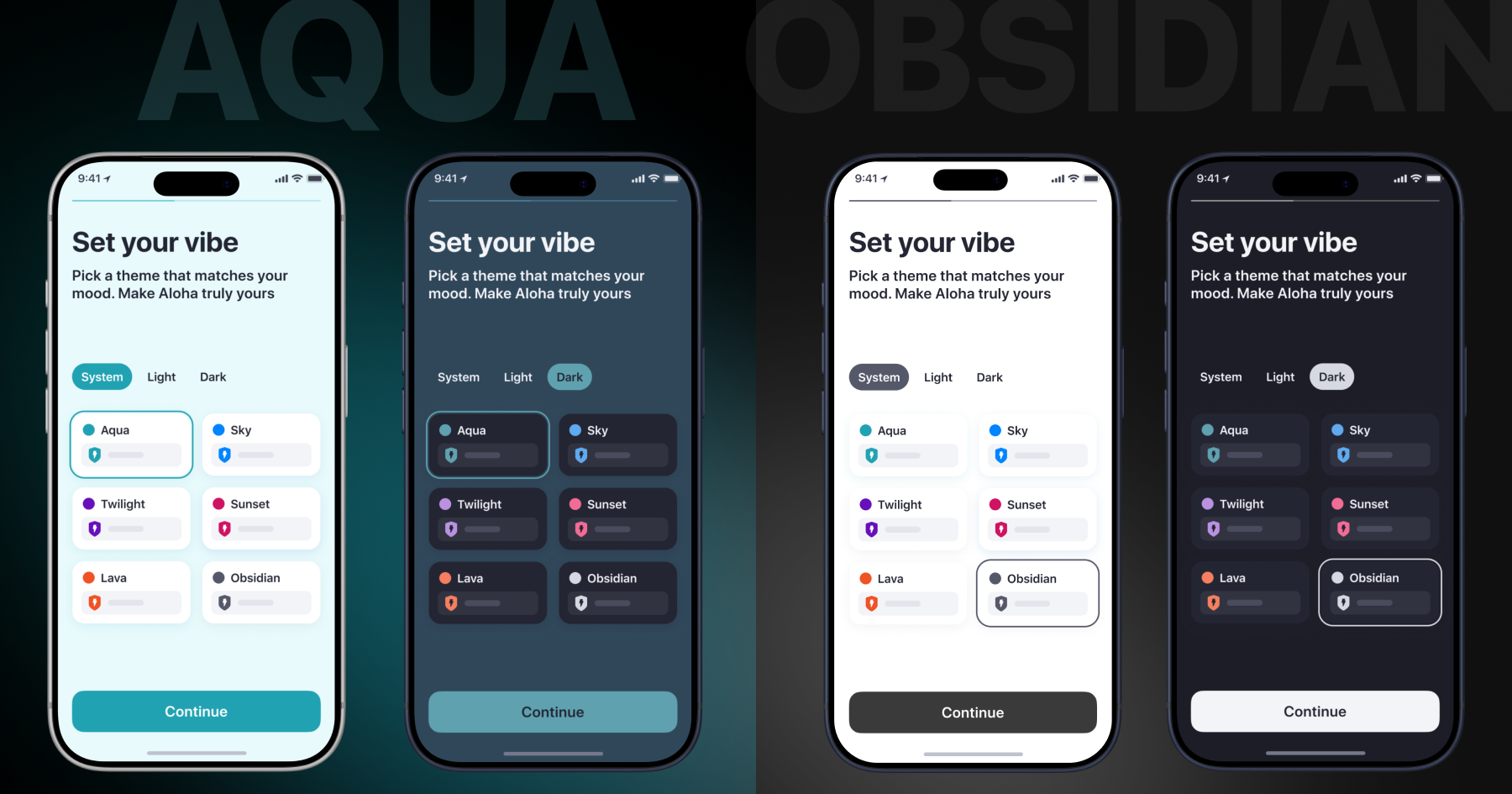
The Obsidian Story. As part of this shift, we spent a long time perfecting a new look called Obsidian. It’s a theme designed specifically for those who live in muted mode. It’s not just "black"—it’s a deep, laconic finish that makes the text pop and your screen feel infinite.
You can find it by going to Settings -> Appearance -> Color themes. We’ve also tucked in a few new app icons there for you to play with, so your home screen can feel just as refreshed as the app itself.
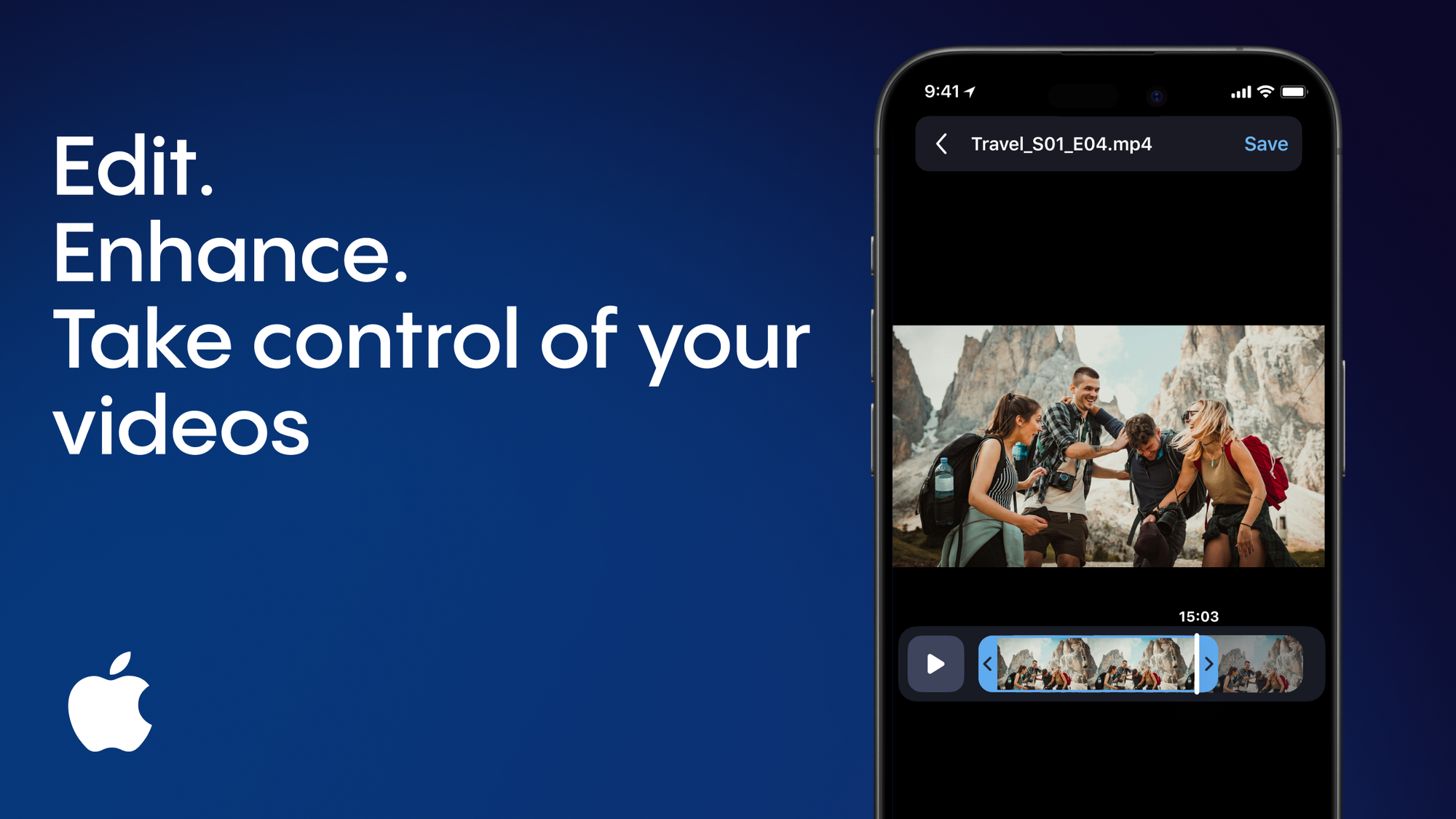
Your New Premium Tool, Now on iOS
We know many of you have seen your friends on Android using our video trim feature and wondered when it would be your turn. We didn't want to rush it; we wanted to make sure it felt right on the iPhone.
Now, it’s ready. When you download a video in Aloha Browser, you don’t have to keep the whole file if you only need a specific moment. You can now:
- Trim the best part directly inside the browser.
- Share that specific clip immediately with your family or friends via AirDrop, or post it straight to your favorite social circle.
- Delete the original large video and save only the smaller part to free up memory space.
It’s a simple way to keep your library clean and only share the parts that are actually interesting.
A small request to you
When you get a chance, update in the App Store and wander through the new look. Play with the themes, trim a clip, see how it flows. We’d genuinely like to know what you think of Aloha Liquid - does Obsidian (or another theme) feel as peaceful to you? Which theme ends up as your daily go-to? Drop a note in the comments or tag us on social. Hearing from you is what helps us keep tuning things just right.
See you inside the browser.
P.S. Still not ready to buy Premium? Try our Referral Program and get Premium for free.