
Aloha Desktop Update: macOS Video Downloads, Split View, and Enhanced Performance
The latest Aloha Browser update for Windows and macOS is here! Streamline your workflow with video downloads on macOS, multitasking via Split View, and faster, more stable download speeds.

This latest update for the Aloha Browser desktop experience focuses on streamlining your daily workflow. We’ve prioritized the features our users rely on most: managing downloads, multitasking across tabs, and enhanced VPN performance.
Video Downloads Now Available on macOS
Mac users can now download videos directly within Aloha Browser. The macOS version of Aloha Browser has now been updated to match our other platforms. This ensures a consistent and powerful experience for all users, regardless of whether they are using a laptop or a mobile device.
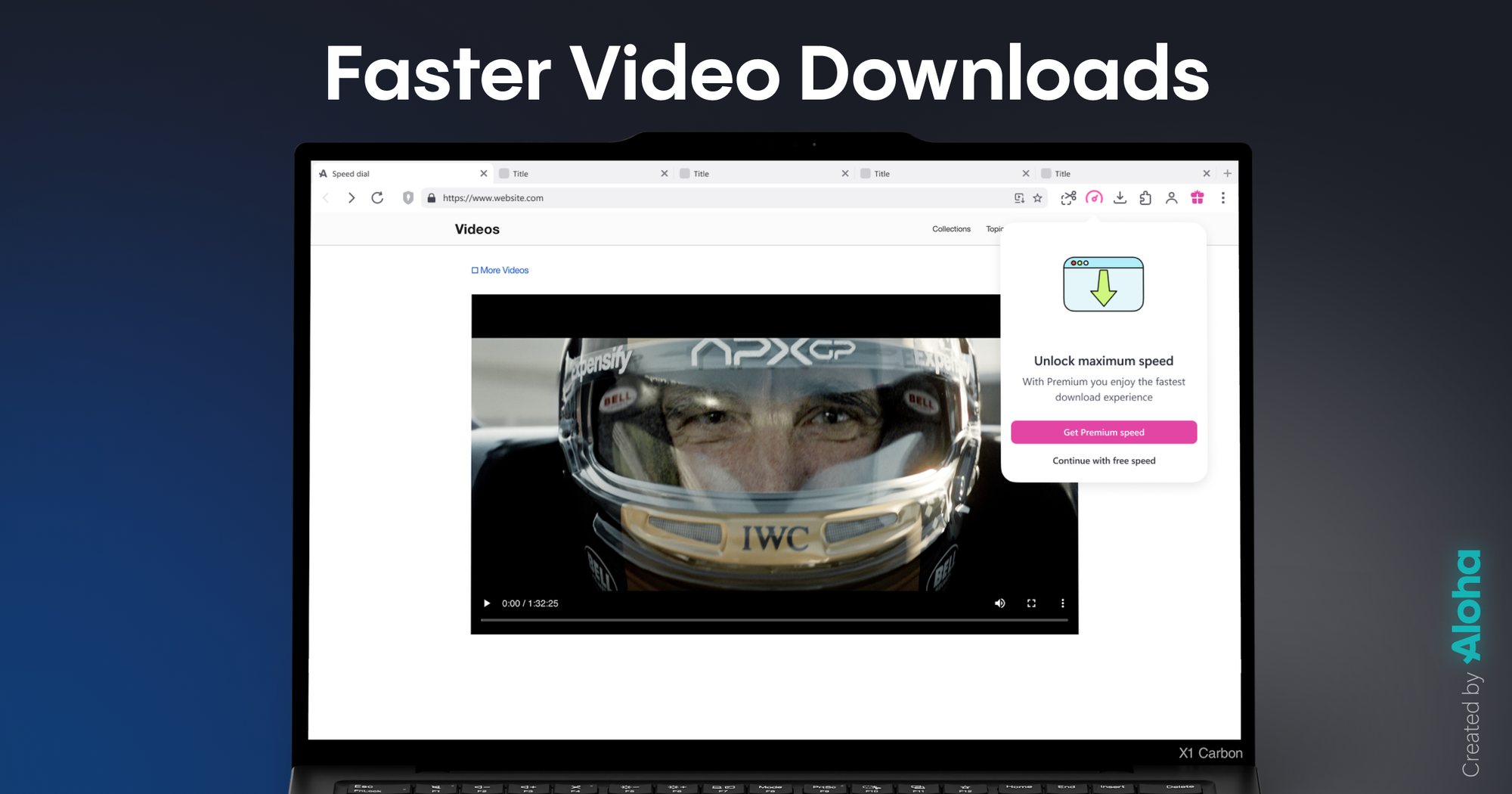
Faster, More Reliable Downloads
We have optimized the download engine for both Windows and macOS. By refining the underlying algorithm, we’ve reduced interruptions and retries even when handling large files or browsing on unstable connections. Our goal was to make the process as seamless as possible by removing "download friction" rather than adding new steps.
Multitask Effortlessly with Split View
Split View allows you to place two tabs side-by-side within a single window. This is ideal for comparing data, referencing a document while writing, or keeping a video open while you browse.
How it works:
- From the open tab, select any other open tab.
- Left-click the tab to open the Split View option to pin it next to your active page
- To exit, left-click the tab again and choose “Separate view.”
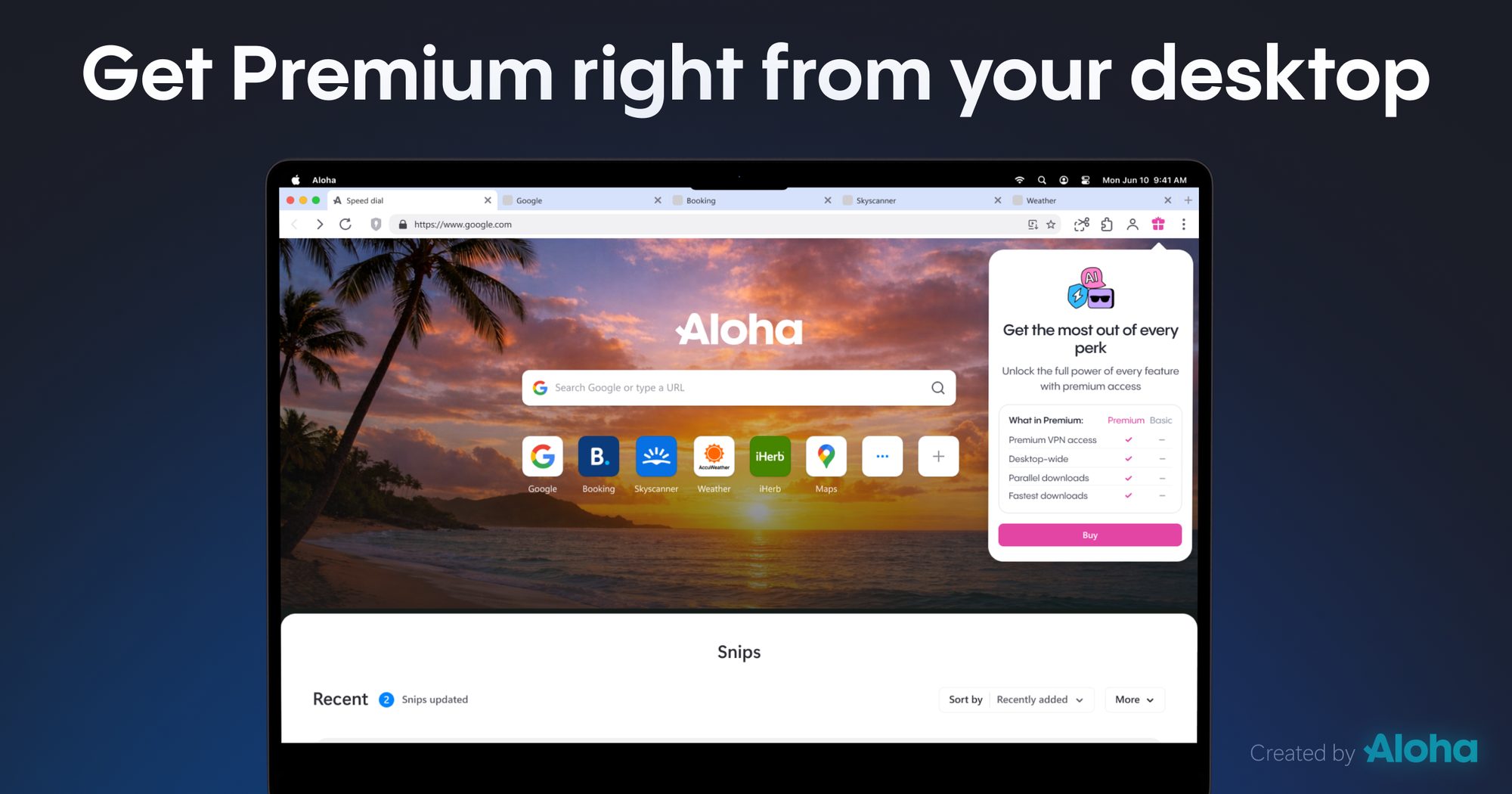
Quick Access to Premium
For users on the free version, we’ve added a dedicated shortcut to the Premium upgrade flow. This provides a direct path to unlocking Aloha’s full suite of privacy and performance features whenever you're ready to upgrade your experience.
Built for You
This update is a direct result of the feedback we received from all our global users. We are listening to your requests and are committed to making Aloha Browser the best possible desktop browsing experience.
If you encounter any technical issues or have questions, our support team is ready to help at support@alohabrowser.com. Additionally, we invite you to visit our Community Page, where you can find answers to frequently asked questions, troubleshoot common tasks, and suggest new features you would like to see in future releases.
Available now for Windows and macOS. Update your Aloha Browser today to try these changes in your normal workflow.