Stream Recording Gets Wider, Background Playback Gets Stronger
Two Premium updates for Aloha Browser on Android: expanded platform support for Stream Recording and a fix for YouTube background playback.

Two of the most requested Premium features on Aloha Browser for Android just got better. We expanded Stream Recording to support more platforms and fixed video background playback for YouTube. Here's a quick look at both.
More Platforms for Stream Recording
When we launched Stream Recording earlier this year, it worked on a solid set of streaming sites. But we heard you — you wanted more. So we added support for additional platforms and made the recording process smoother overall.
If you haven't tried it yet: Stream Recording captures the video feed directly, not your phone screen. There are no UI elements, no pop-ups, and no on-screen controls in the final file. You hit Record, and the stream is saved to a dedicated folder in Aloha Files.
Along with the new platform support, we also improved general performance. Recordings start faster, and the output is more stable. If a platform didn't work for you before, it's worth trying again.
Stream Recording is a Premium feature. For a full walkthrough, check our original guide.
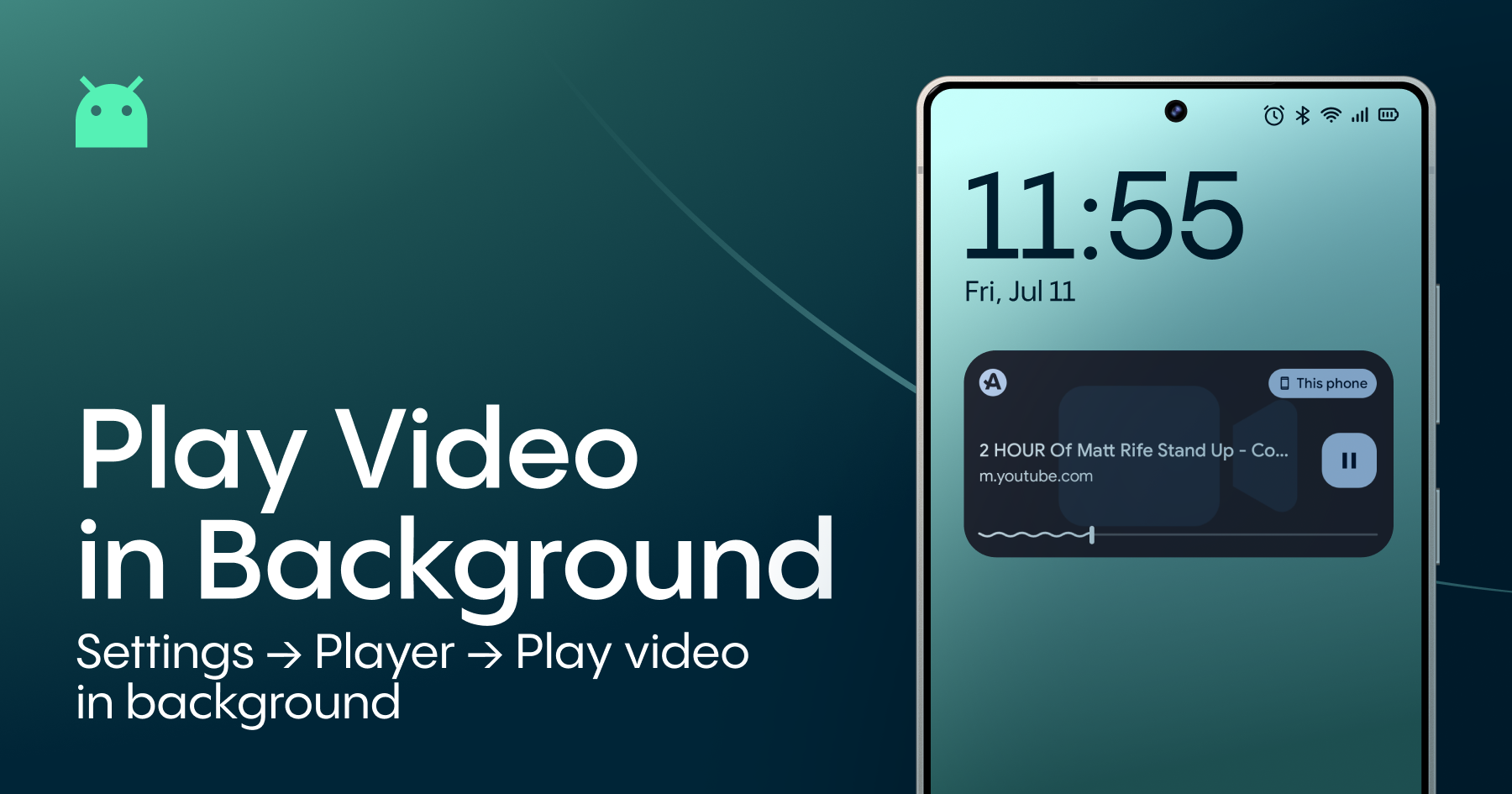
YouTube Background Video Play Is Back
Last summer, we introduced YouTube background video playback — the ability to keep listening to audio from videos even when your screen is locked, or you switch to another app. It worked great on most sites. But YouTube had other plans.
In late January 2026, YouTube officially confirmed that it had updated its mobile website to block background playback for its non-Premium users across third-party browsers.
Our Android team ran into the same restriction. Background playback from YouTube stopped working as expected. We treated it as a priority, and after working through the technical challenge, we're happy to report that the issue is now resolved.
If you already have background playing enabled, it should work again after updating the app. If you haven't turned it on yet, go to Settings → Player → Play video in background and choose your preferred option.
A note: YouTube may continue to adjust how its platform handles third-party playback. If something breaks again in the future, we'll work on it — just as we did this time.
Update Now
Both improvements are available in the latest version of Aloha Browser for Android. Update the app on Google Play and try them out.
As always, if you run into any issues or have suggestions, reach out to us at support@alohabrowser.com or share your thoughts on our community site.