Aloha Browser for desktops
How to Use Split View in Aloha Browser: 5 Useful Tips
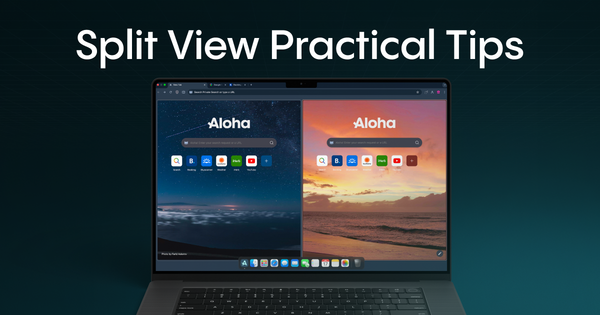
Use Split View in Aloha Browser to place two tabs side by side and multitask more smoothly on a desktop. Here are 5 practical ways to use it better every day.

Our private Aloha Browser works perfectly on Windows and macOS devices. It offers a free VPN, video download options, an AdBlock feature for added protection, and many other valuable functionalities.
Aloha Browser for desktops
Use Split View in Aloha Browser to place two tabs side by side and multitask more smoothly on a desktop. Here are 5 practical ways to use it better every day.

Aloha What's New
Snips on desktop just got smarter. Aloha Browser now suggests Snips automatically based on the websites you visit - fully private, faster to create, and easier to manage. Build your live dashboard effortlessly on Windows and macOS.

Aloha What's New
Aloha Browser for desktop just got better: Spanish, Portuguese & Chinese added, auto-update for macOS, and a faster, no-logs VPN.

Aloha What's New
Aloha Browser for Windows and macOS just got a major upgrade. Enjoy floating video playback, built-in web apps, and faster, more reliable VPN connections - all in one smooth update. Get ready for smarter browsing, your way.
Aloha Browser's Snips
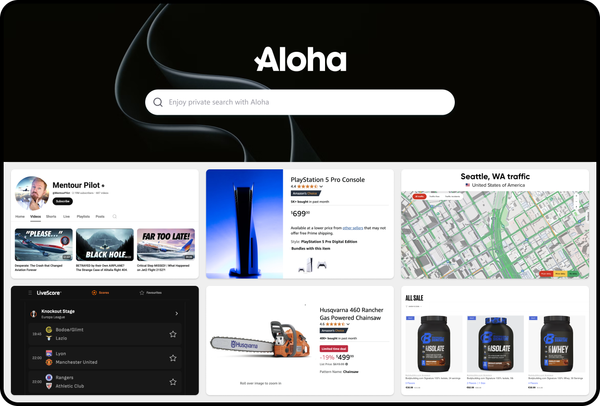
Discover Aloha Browser’s Snips: save webpage parts, and get auto-updates on a dashboard without unnecessary information.
Aloha Browser's Snips
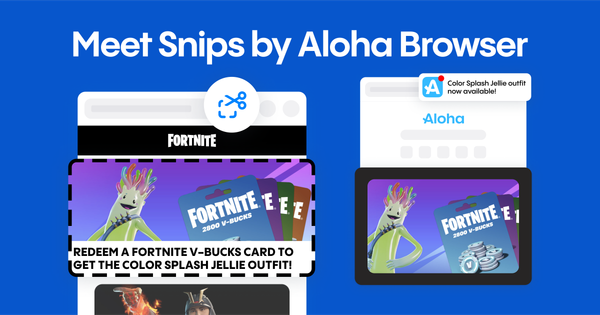
Meet Aloha Browser's Snips, an innovative snipping tool that declutters your web experience, saving both time and mental space.
Aloha Browser's Snips
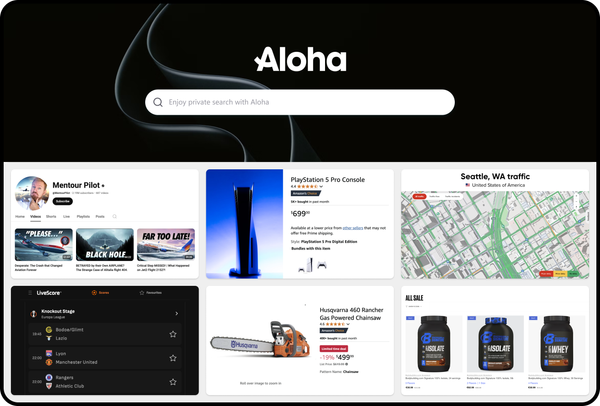
Stop smashing that refresh button – Snips transform your browsing experience, freeing up your precious time and mental space in the process.

VPN for PC
Aloha Browser on Windows has introduced new visible features, thanks to our talented developers, it is now faster and more stable than ever.