Invite Friends, Get Free Premium: The Referral Program Arrives on Aloha Browser Desktop
The Aloha referral program is now on macOS and Windows. Invite friends from your computer and earn Free Premium. No subscription, no card.

Privacy works better when the people around you have it too. That’s why we made sharing Aloha worth your while on every screen.
The referral program from iPhone and Android is now built into Aloha Browser Desktop on macOS and Windows, and friends who install Aloha on their computers now count toward your rewards. Share your link, bring friends to Aloha, and earn Free Premium. No subscription, no card.
Where to Find It
You don't need to dig through Settings. The referral program is in places you already use:
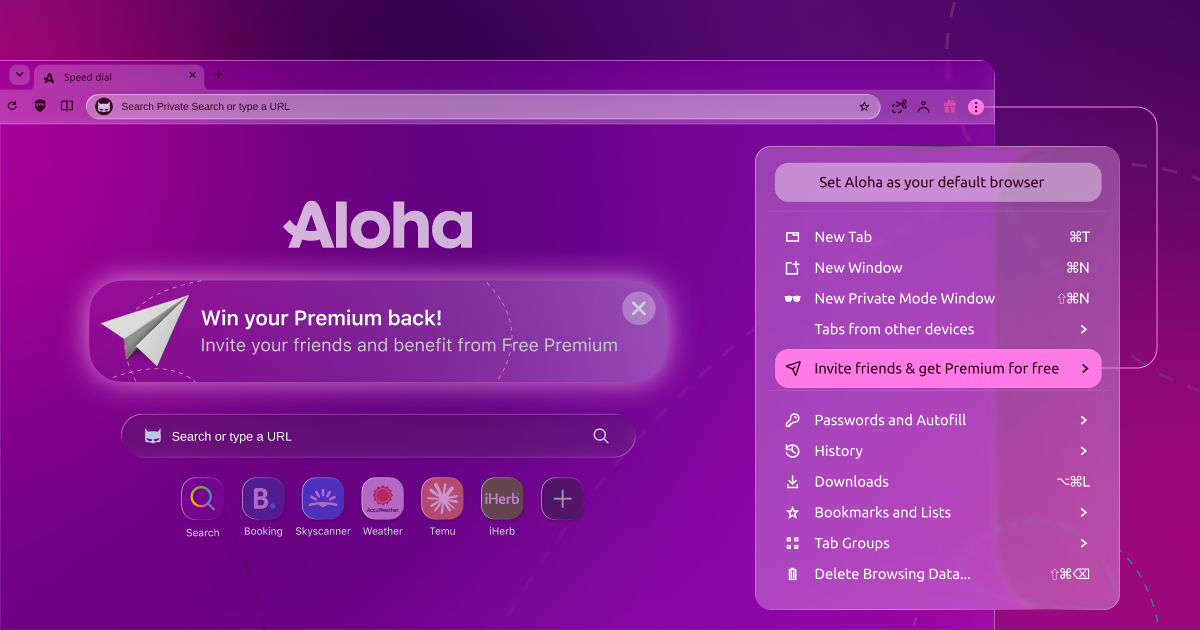
- The app menu: Click the three-dot menu and look for "Invite friends and get Premium for free", just below "Tabs from other devices". It has a "New" badge so it's easy to spot. After your first friends join, the item shows how many friends you've invited.
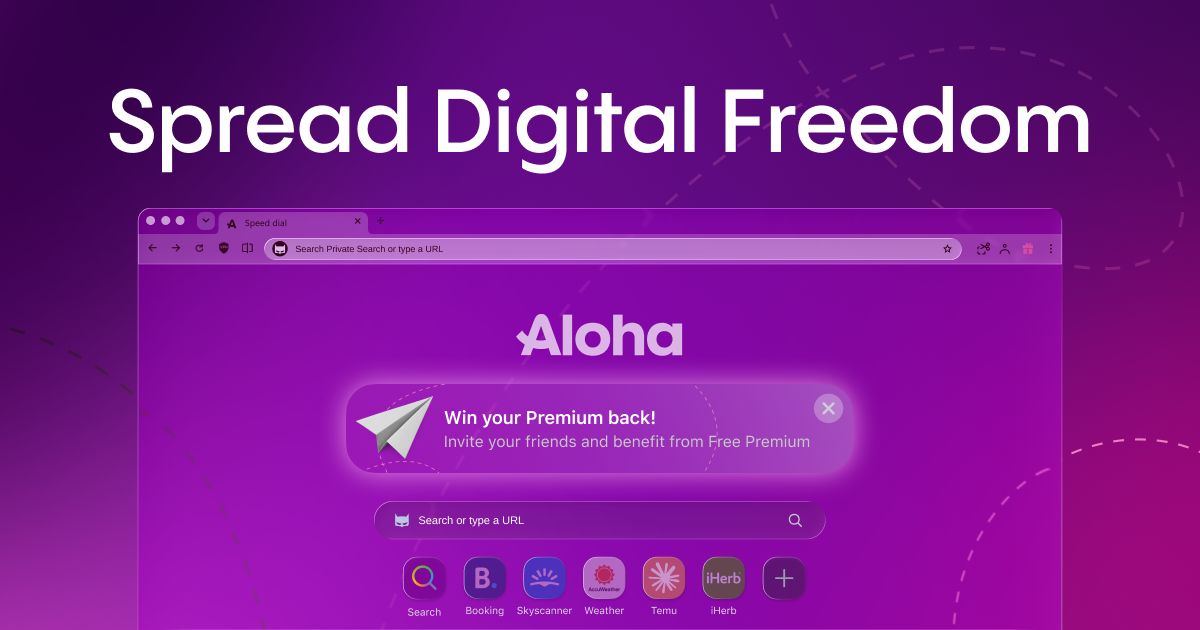
- Speed dial: Open a new tab to find the "Spread Digital Freedom" tile. One click opens the invite screen. Not interested right now? You can close the tile.
- Your Aloha Profile: If you're logged in, the profile menu has a card called "Invite friends, get Free Premium!" It shows your next reward and how many friends you've invited. The Invite button copies your link right away.
You don't need an Aloha Profile to invite friends. The menu item and the speed dial tile work for everyone.
How It Works
- Press "Invite". Aloha copies a short invitation message and your personal referral link to the clipboard.
- Share it anywhere. Paste it into a chat, an email or a social post. Your friend sees: "I'm using Aloha Browser—fast and private with free VPN, Adblock & video downloads. Join the digital freedom movement with this gift from me!"
- Bring friends and get more bonuses! When a friend installs Aloha Browser from your link, they count toward your rewards.
- Track your rewards. The Your stats card shows your Free Premium, your next reward and how many friends you've invited.
What You and Your Friends Get
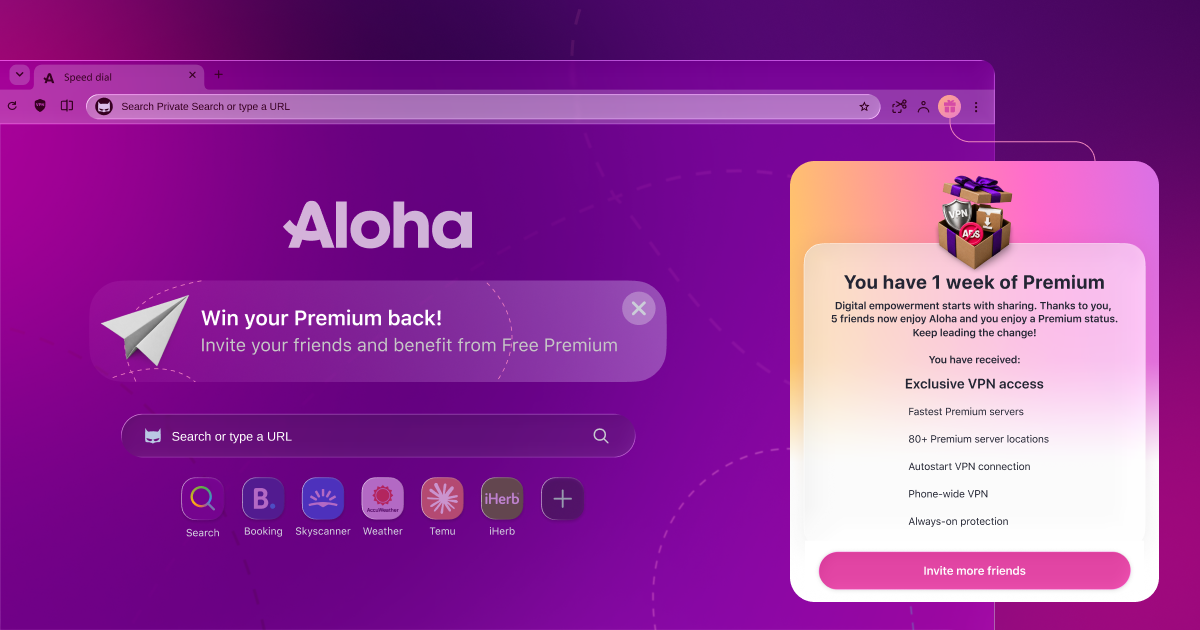
For you: The more friends join, the bigger your rewards. Each of your first friends brings you Free Premium, and bigger rewards unlock at higher milestones. When you reach a new reward, Aloha tells you with a "Referral rewards" screen on the toolbar gift button. The invite screen shows your next reward. You'll find the full program rules in the referral program Terms & Conditions.
Free Premium on desktop includes:
- Premium VPN access, with a choice of server locations
- Device-wide VPN on Windows
- Fastest downloads
- Parallel downloads
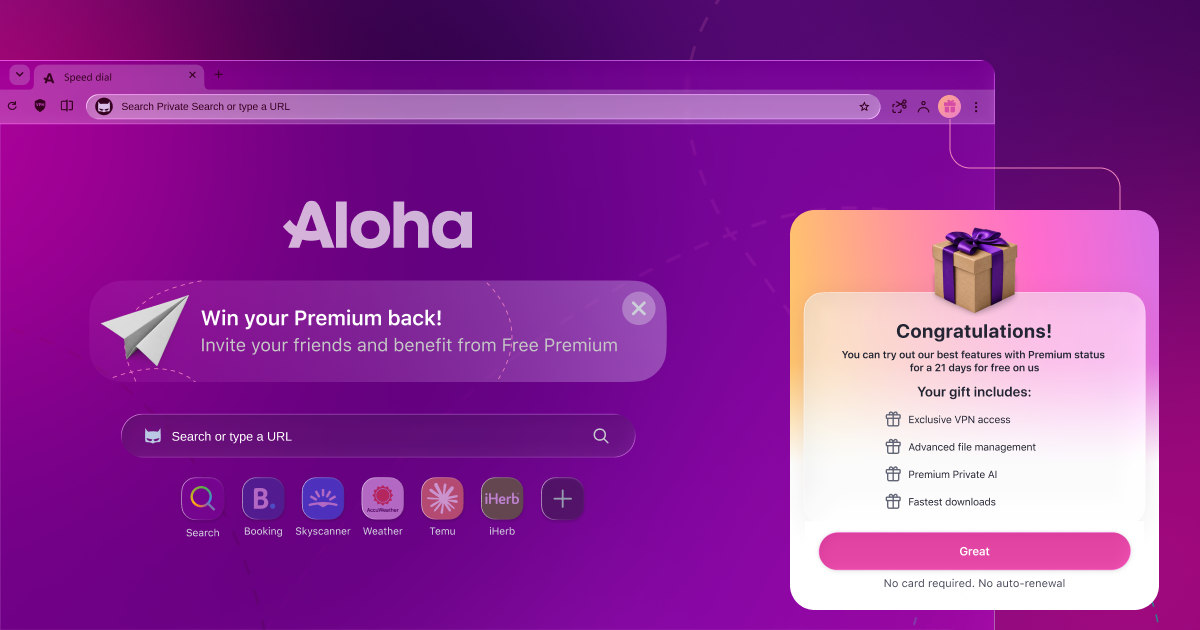
For your friends: A friend who is new to Aloha and installs Aloha Browser on their Windows or Mac computer from your link gets Free Premium as a gift. After setup, they see a "Congratulations!" screen. No card required. No auto-renewal. When the gift ends, it simply stops, and there's nothing to cancel or pay.
Already have Premium? You can still invite friends to join the Aloha family. See the FAQ below for how rewards work with a paid subscription.
Update and Try It
Make sure you have the latest version of Aloha Browser on macOS or Windows. Then open the three-dot menu, choose "Invite friends and get Premium for free" and press Invite. Your first Free Premium reward is just one friend away.
Don't have Aloha on your computer yet? Download Aloha Browser for Windows and Mac.
Share your feedback in the comments, on our community page or at support@alohabrowser.com. We read all of it, even the complaints. Especially the complaints.
FAQ
1. Do I need an Aloha Profile to invite friends?
No. You can invite from the app menu or the speed dial tile without logging in. If you're logged in to your Aloha Profile, the referral card also shows up in your profile menu.
2. How many friends can I invite?
As many as you like. The more friends join, the bigger your rewards. The program rules are in the Terms & Conditions.
3. What does my friend get?
A friend who is new to Aloha and installs Aloha Browser on Windows or Mac from your link gets Free Premium as a gift, with no card and no auto-renewal.
4. I already pay for Premium. Can I still take part?
Yes, you can still invite friends to join the Aloha family. Rewards for paid subscribers follow the Terms & Conditions.
5. Where can I see my rewards?
Open the invite screen from the app menu. The "Your stats" card shows your Free Premium, your next reward and the number of friends invited. When you unlock a new reward, Aloha also shows it on the toolbar gift button.
6. My friend installed Aloha, but I don't see them counted. What should I do?
Check that your friend installed Aloha from your link. If they did and the invite still doesn't show, contact support@alohabrowser.com.