Fake Alerts: How Aloha Browser for iOS Blocks Scam Pages
Fake virus alerts are designed to make you call a stranger. Aloha for iOS now blocks those pages before they load, judging behavior rather than address alone.

There’s a whole genre of web pages designed around a single moment: the second when you think your phone is infected and instinctively grab for the number on the screen. Aloha is learning to resist opening those pages.
What it looks like
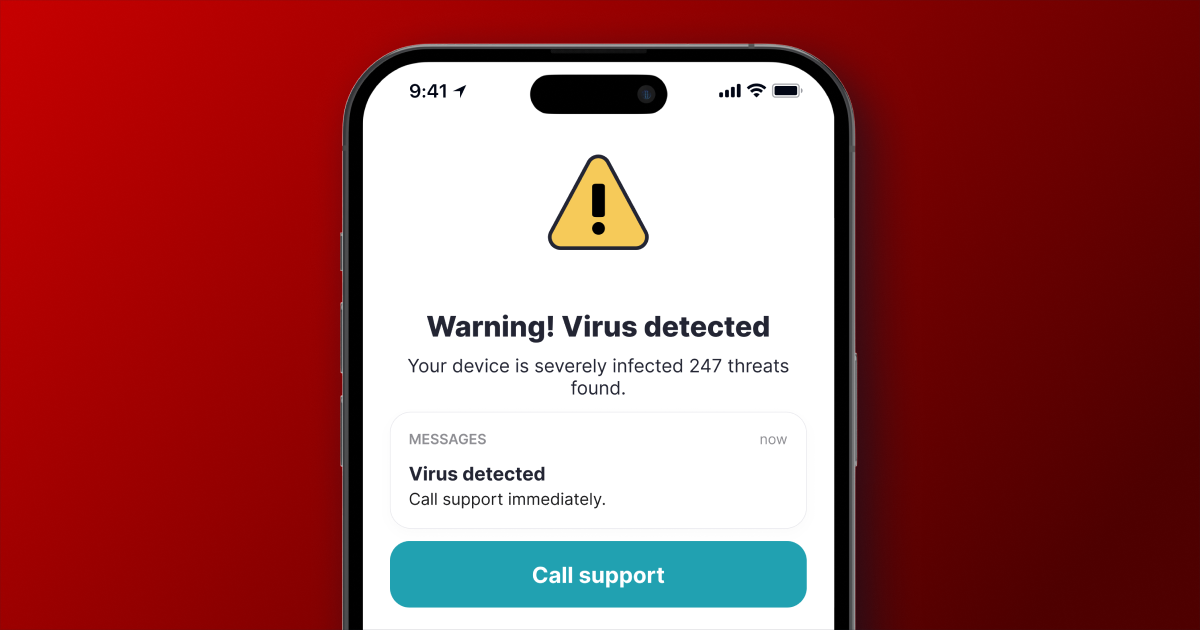
When you click a link in a text message, a group chat, or a QR code on a poster, the page often immediately displays warnings. Suddenly, something flashes on the screen, your phone buzzes, and a support phone number appears. Sometimes your phone even slows down or stops responding to your taps.
What fills the screen
WARNING! VIRUS DETECTED!
Your device is severely infected. 247 threats found.
Call support immediately.
Real support doesn't show up on a website or ask you to call. Instead, if you reach out, someone on the other end might tell you to install an app, read a code from a text message, or pay for your phone to be "cleaned."
What changes
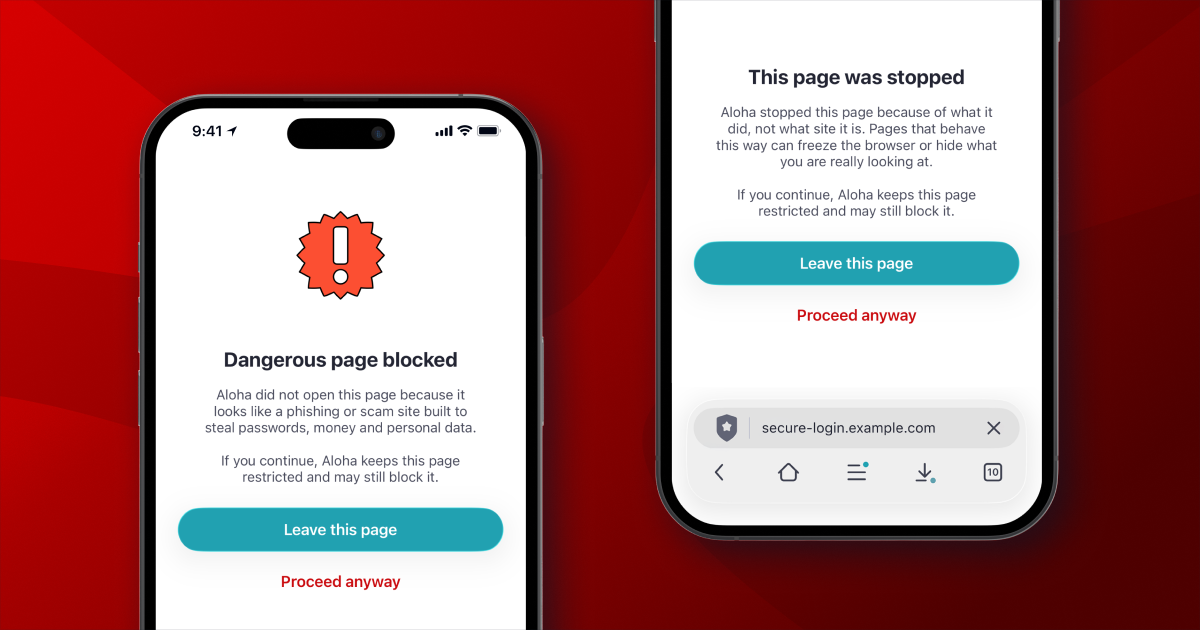
Aloha will no longer open pages in this unexpected way. If a page has already loaded, there won't be any warning before it's closed. If the page doesn't load at all, it simply won't affect your phone.
Instead, you'll see a calm, informative screen that explains what happened, why the page was closed, and provides a way to go back.
Why blocklists alone are not enough
These pages change their addresses within hours. By the time an address appears on public lists, the campaign has already moved on. We checked one example: its previous version ran for over four months with real traffic, yet no one listed it.
Aloha Browser on iOS looks beyond the address. It checks how the page performs, such as whether the title is missing, whether navigation loops endlessly, or whether a call button presses itself automatically. Any of these issues can cause the page to be flagged, even at a brand-new address.
An address can change in an hour, but behavior doesn't because once a page stops engaging or poses a threat, it usually stops working altogether.
Protection updates without an app update
Whenever a new wave appears, the lists are delivered from our servers the same day, not in the next release. No action is required on your end.
Nothing leaves your phone
The check is performed entirely on the device. Aloha does not transmit the list of sites you visit to us or any other party. This is the standard rule that applies to the rest of the browser, and we are not making any exceptions.
For everyone, not just for Premium
This feature is available in both the free version and Premium plans. Safety isn't a separate level.
If we get it wrong
No filter is perfect. If Aloha closes a page you actually need, the screen offers you a way to open
it again and tell us we're wrong so we can update the list for everyone.
Update Aloha Browser for iOS
Update your Aloha Browser for iOS in the App Store. If Aloha blocks a page you need, use the options on the block screen to continue and report the mistake. Those reports help us correct the protection.