Download your files straight to Aloha Cloud
Some files you can’t download twice. Now Aloha sends them straight to Aloha Cloud the moment you download, so they don’t depend on one phone.

Some files you can’t download twice. Now Aloha sends them straight to Aloha Cloud the moment you download, so they don’t depend on one phone.
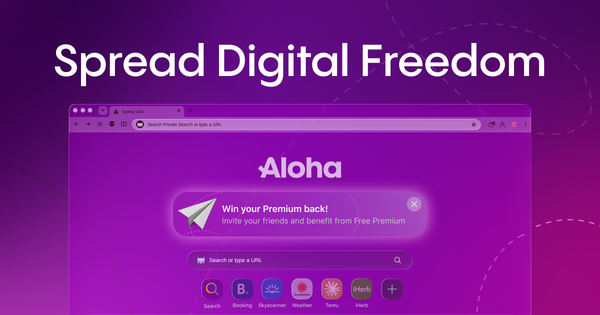
The Aloha referral program is now on macOS and Windows. Invite friends from your computer and earn Free Premium. No subscription, no card.
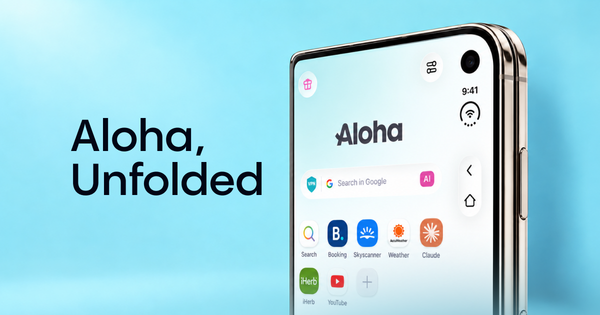
Your phone now folds in half, and Aloha knows it. We redesigned the browser for iPhone Duo, with layouts for folded, unfolded, portrait and landscape, so the extra space goes to the page, not to more buttons.

Fake virus alerts are designed to make you call a stranger. Aloha for iOS now blocks those pages before they load, judging behavior rather than address alone.

Stop deleting files just to free up space. Aloha Private Cloud now comes in 100GB, 500GB and 2TB. Buy it on its own or add it to Premium, and keep your whole library on every device.
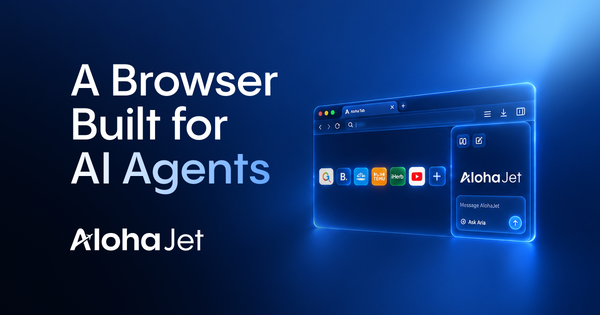
AlohaJet gives AI agents a browser for real websites, with a visible mode for oversight and headless automation for CLI and MCP workflows.

A copyright dispute over the Anne Frank diary ended with the EU's top court calling VPNs "lawful technical tools." Here's what the ruling means for you.
Many changes in Aloha for Android 8.9.0 were driven by your requests, including tab swipes, history cleanup, bookmark sorting, and nested Trash navigation.
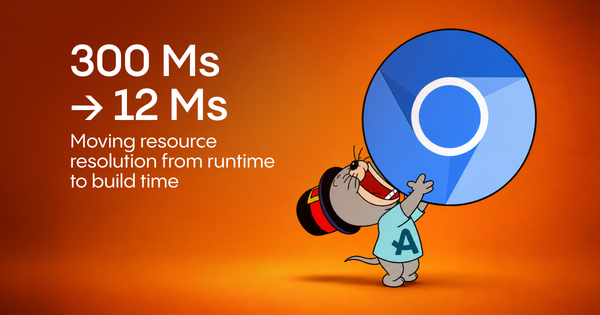
Remapping 2,450 Chromium resource IDs at startup cost our Android engine about 300 ms. Here's how we moved that work to build time, reducing it to 12 ms.
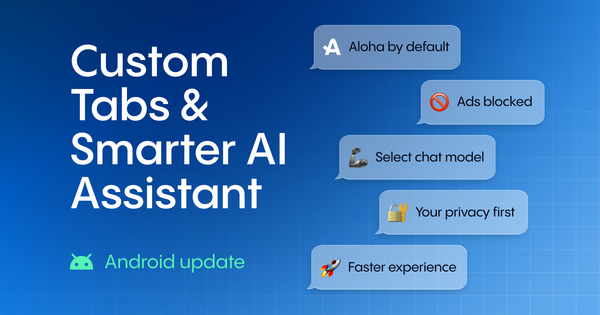
Set Aloha as your default browser and links inside other apps open ad-free, thanks to Android Custom Tabs. Plus: pick your AI model and turn web search on when you need it.
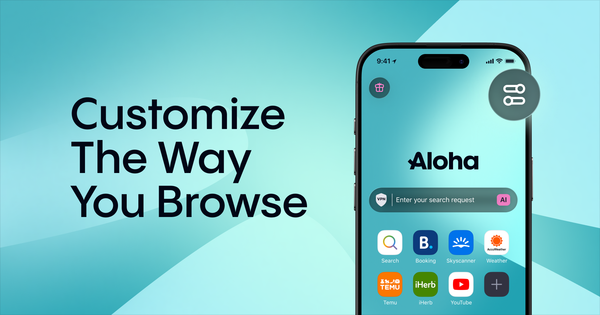
Change your wallpaper, move the search bar, organize the Start page, manage Snips, and adjust the look of Aloha Browser on iOS and Android.

Aloha Private Cloud gives Premium users 10GB of private cloud storage for downloads, videos, audio, and folders, built into Files on iOS and Android.